7 Tips for Sharper, Better-Looking Videos on Android
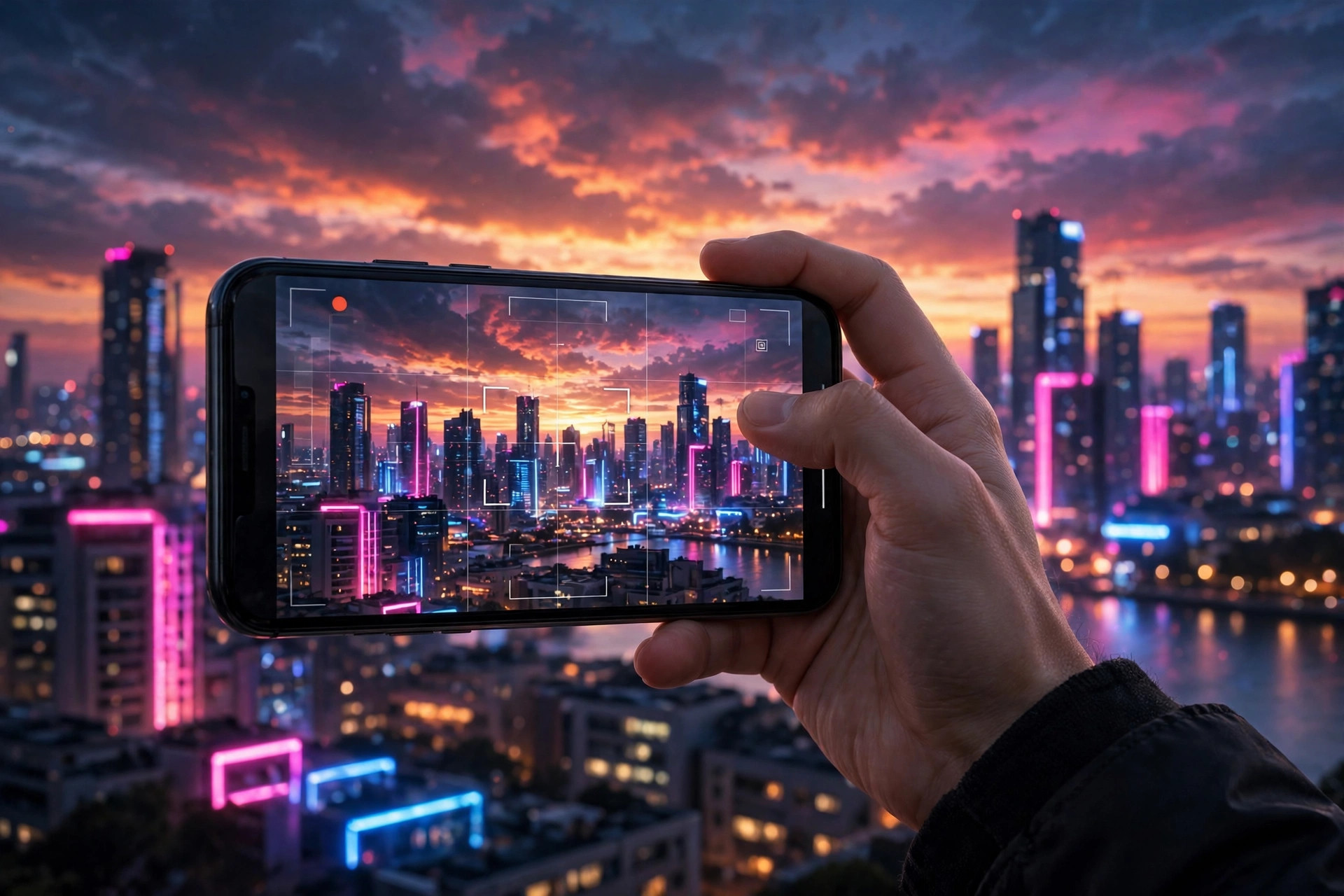
Modern Android phones shoot incredible video — but the difference between amateur and polished footage usually comes down to technique, not hardware. These seven Android video recording tips will level up your clips immediately.
1. Light your subject, not your background
The single biggest quality upgrade is free: good light. Face your subject toward the light source — a window, the sun, a lamp — and avoid shooting into bright backgrounds, which turns people into silhouettes. Golden hour (the hour after sunrise or before sunset) makes everything look cinematic.
2. Clean your lens
It sounds trivial, but a smudged lens is the #1 cause of hazy, soft-looking phone video. Your phone lives in pockets and hands — wipe the lens with a soft cloth before every important shot.
3. Stabilize everything
Shaky footage screams amateur. Brace your elbows against your body, lean on a wall, or use a tripod or gimbal for moving shots. Many phones also have electronic stabilization — make sure it's enabled in your camera settings.
4. Shoot in the highest resolution you need
4K looks stunning but eats storage and battery. For social media, 1080p at 60fps is the sweet spot: smooth motion, manageable files. Save 4K for footage you'll crop or keep long-term.
5. Don't ignore audio
Viewers forgive shaky video faster than bad audio. Get the microphone close to your subject, avoid windy spots, and consider a cheap clip-on mic — it's the highest-ROI upgrade in mobile video.
6. Compose with the rule of thirds
Enable the grid overlay in your camera app and place your subject on the intersection points rather than dead center. Instantly more professional framing.
7. Lock exposure and focus
Tap and hold to lock focus and exposure before recording, so the image doesn't pulse brighter and darker as you move. This one habit separates casual clips from deliberate footage.
Film like a pro
Camera Go is the quick video recorder with background recording, auto recording and ghost mode — free on Android.
Get Camera Go on Google Play