Automatic Face Blur: Film Freely While Camera Go Protects Every Face
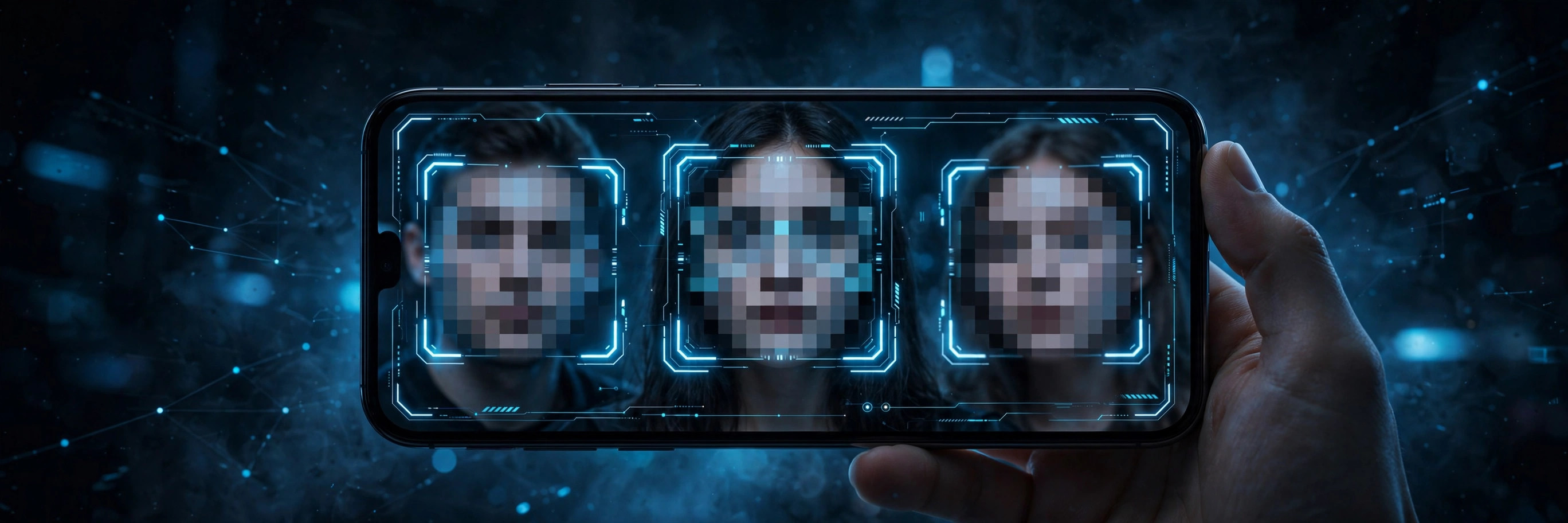
You want to film the moment — not worry about who's in the frame. Camera Go's automatic face blur detects faces and blurs them right as you record, so privacy is handled before the video even reaches your gallery. No editing, no second app, no afterthought.
How automatic face blur works
While recording, Camera Go's on-device face detection continuously scans the frame. Every face it finds gets a soft blur applied in real time — the rest of the scene stays sharp. Because it happens during capture, the unblurred faces never end up in the saved video at all.
When face blur matters
- Filming in public — streets, events and gatherings are full of bystanders who didn't agree to be in your video.
- Kids and family — share the moment online without sharing children's faces.
- Dashcam-style driving — capture the road while keeping pedestrians and other drivers anonymous.
- Workplace and classrooms — record presentations or lessons without exposing everyone in the room.
Privacy without the editing tax
Blurring faces the traditional way means scrubbing through footage frame by frame in an editor — tedious enough that most people simply don't do it, and then think twice before sharing. Automatic blur removes the decision entirely: turn it on once, and every recording comes out share-ready with faces protected by default.
Tips for best results
Face detection works best with good lighting and faces reasonably close to the camera — tiny distant faces in a crowd may slip through. For critical privacy needs, do a quick test recording first and review it. And remember: blur protects identity in the video, but always respect local rules about recording people.
Record freely, share confidently
Camera Go is the quick video recorder with automatic face blur, background capture and auto recording — free on Android.
Get Camera Go on Google Play